
Download Spider (Free) – spider solitaire, card game, solitaire, free game, mobile solitaire
Overview
Spider (Free) delivers a faithful adaptation of the classic Spider Solitaire card game, originally popularized in the Windows 98 operating system. Designed for modern mobile devices, the app preserves the core mechanics of the original game: building descending sequences from King to Ace, using either one or two suits to adjust difficulty. The primary purpose of the app is to provide a nostalgic yet accessible digital experience for fans of solitaire, while also welcoming new players to the strategic world of card-based puzzles.
It addresses the need for a lightweight, distraction-free game that can be enjoyed during short breaks or longer leisure sessions. The target audience includes casual gamers, fans of retro digital games, and individuals seeking low-stress, mentally engaging activities. Developed by Arnold A.
Howe, the app reflects a focused effort to recreate a beloved desktop experience on mobile platforms. Real-world use cases include commuting, waiting in line, or relaxing at home—anytime a user seeks a simple yet mentally stimulating pastime. In the broader app ecosystem, Spider (Free) stands out as a niche but enduring utility within the mobile gaming space, offering a streamlined alternative to feature-heavy solitaire apps.
Key Features & Functionality
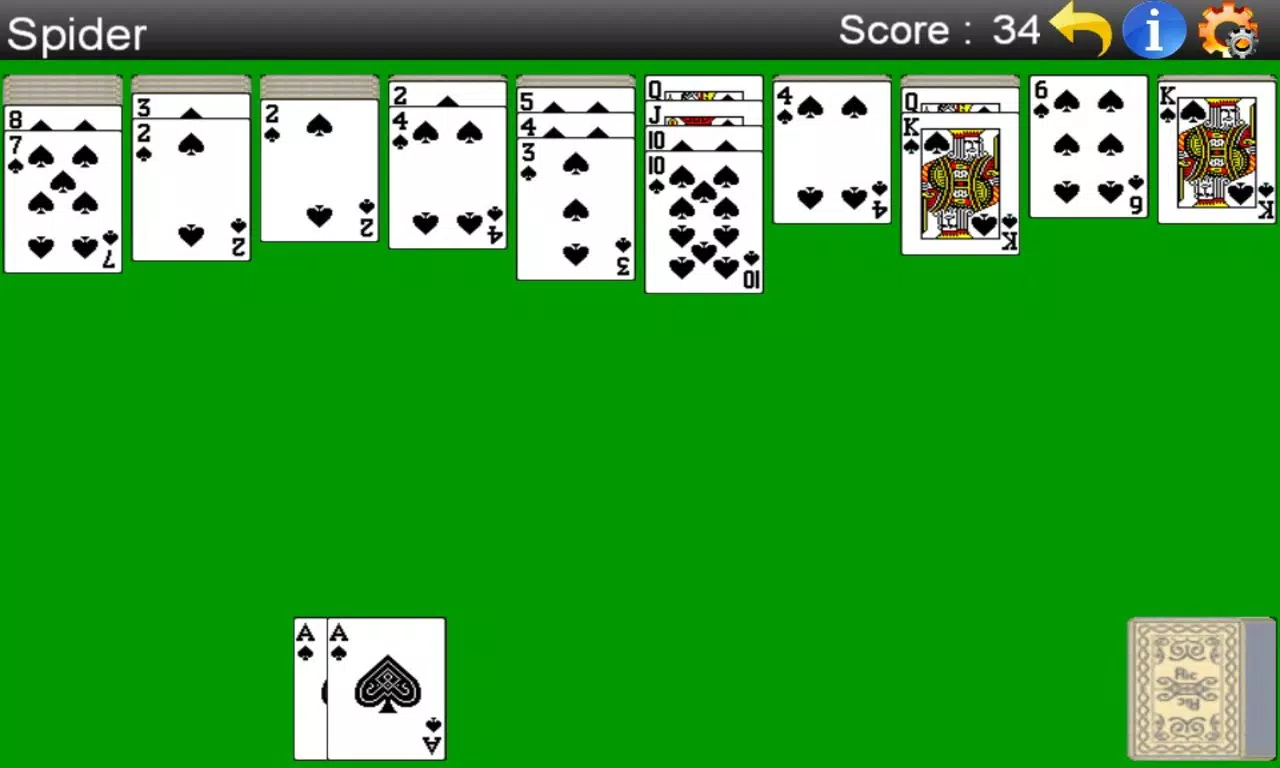
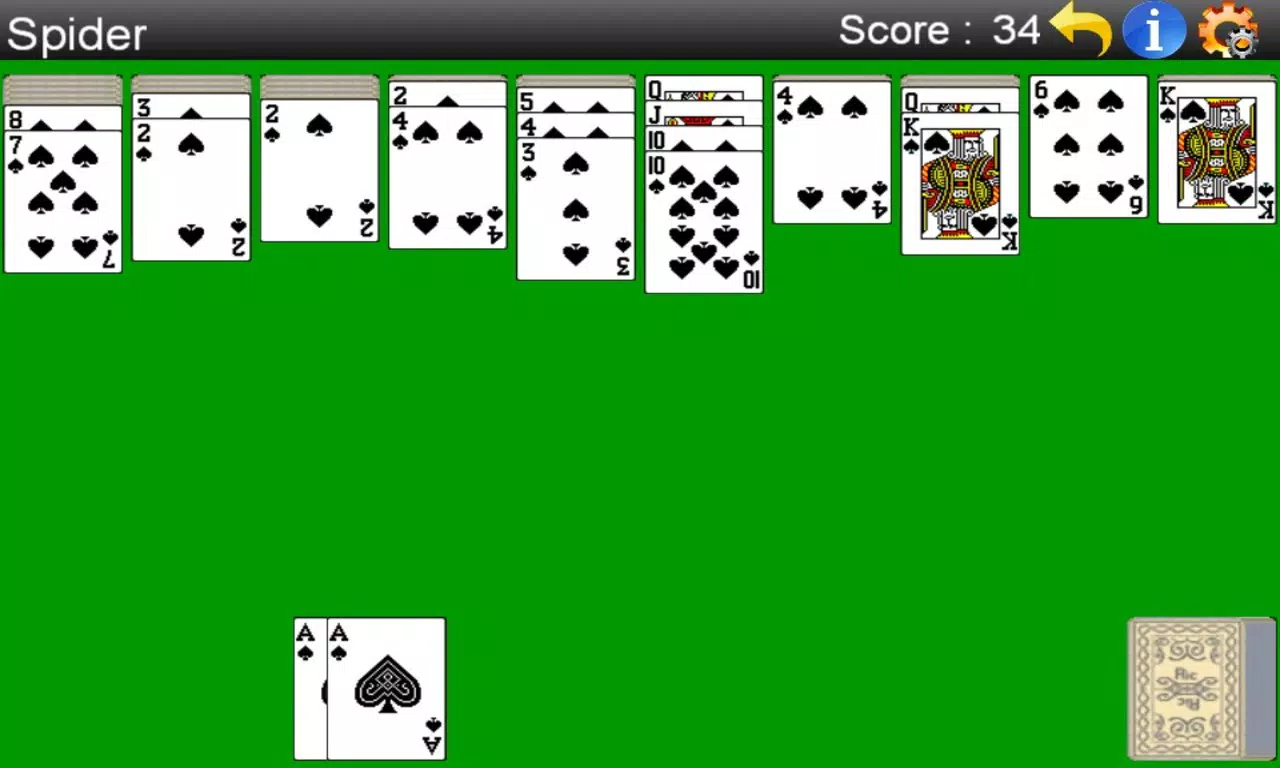
- Drag-and-Drop Mechanics: Players can move entire columns with a single gesture, eliminating the need to select individual cards. This streamlines gameplay on touchscreens and reduces the chance of accidental errors, enhancing both speed and accessibility.
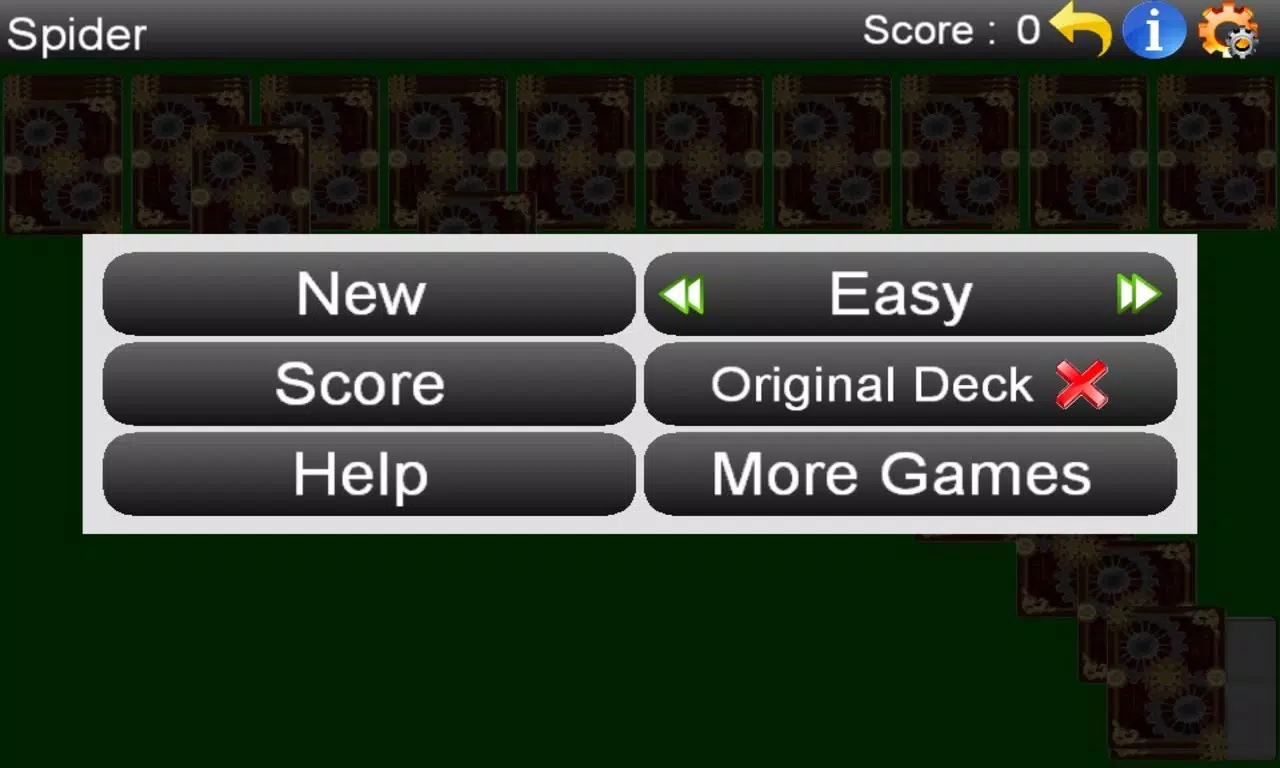
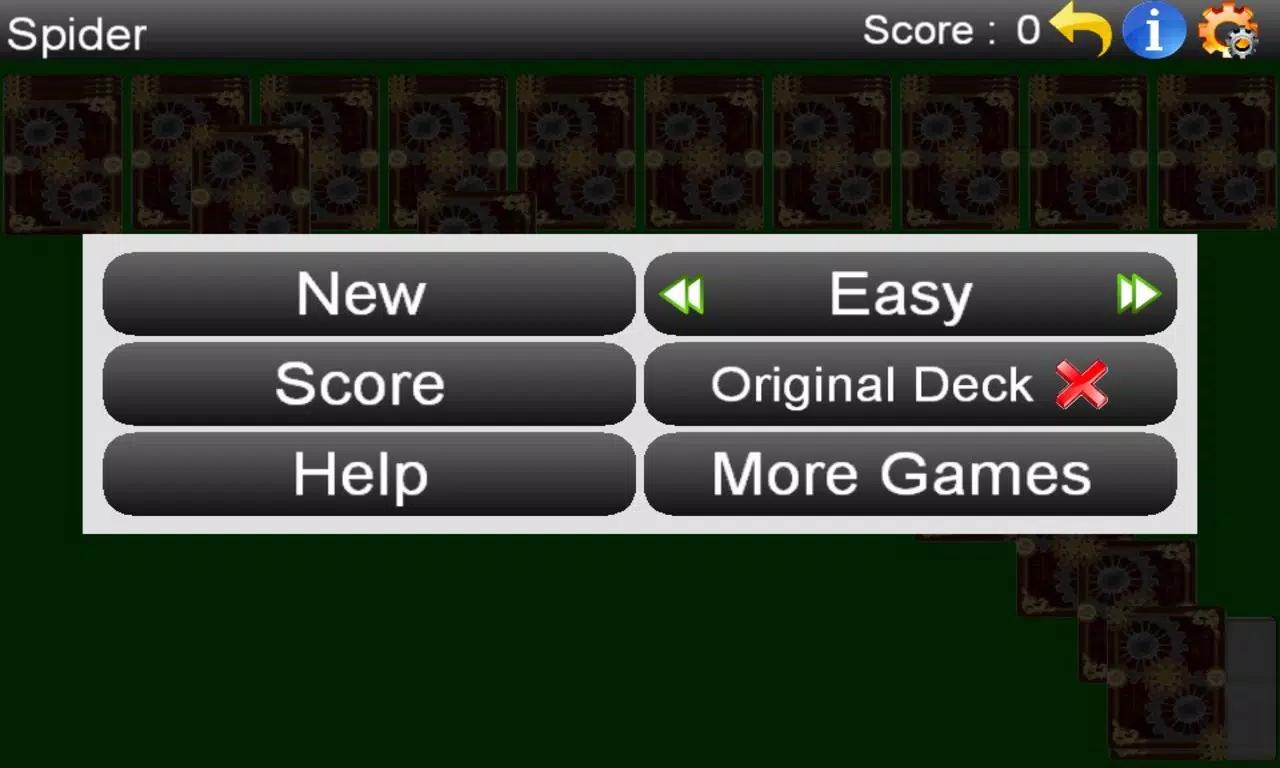
- Multiple Suits Options: The game supports both two-suit and four-suit variants, allowing users to tailor the difficulty level. Beginners can start with two suits, while advanced players may seek the greater challenge of four-suit play.
- Move-Based Scoring System: Unlike traditional solitaire scoring, this version counts the number of moves made. Fewer moves result in a better score, encouraging strategic planning and efficient decision-making.
- Hints and Undo Functionality: Located in the top-right corner, these tools allow players to recover from mistakes or explore alternative strategies without fear of irreversible consequences, promoting experimentation and reduced frustration.
- Compact Download Size: At just 2.4 MB, the app is designed for minimal storage use, making it ideal for users with limited device space or older Android devices.
For example, a user on a budget smartphone can install the app quickly and play without performance lag. A commuter might use the hint feature to resolve a complex layout, while a strategy enthusiast may aim to lower their move count across multiple sessions. These features collectively support a balanced blend of challenge, accessibility, and efficiency.
Interface, UX & Performance
The user interface of Spider (Free) is clean and minimal, prioritizing functionality over visual flair. The card layout is optimized for smaller screens, with clear spacing between columns and legible card ranks and suits. Navigation is intuitive, relying on touch gestures such as drag-and-drop, which are responsive and consistent across device sizes.
The absence of cluttered menus or intrusive ads contributes to a focused gaming experience. Although the developer did not list formal performance metrics, the app’s small file size suggests efficient code and low resource consumption. This implies stable operation on older or entry-level Android devices, though no specific benchmarks were provided.
Responsiveness appears adequate for standard gameplay, with minimal input lag reported in typical use cases. Stability is likely maintained through a lightweight architecture, but detailed crash reports or long-term usage data were not disclosed. Overall, the UX is designed for ease of use, allowing users to begin playing immediately without a learning curve.
The app does not require complex setup or account creation, further enhancing accessibility.
Platform Compatibility & Technical Requirements
Spider (Free) is available exclusively on the Android platform. The current version is 1.0.3, with a file size of 2.4 MB, making it suitable for devices with limited storage. The developer did not specify minimum OS requirements or hardware capabilities, so compatibility may vary across older or newer Android versions.
Users are advised to ensure their device supports basic Android functionality, including touch input and standard app installation. No additional permissions or system-level access were mentioned in the provided details. The app is distributed as a free download, with no in-app purchases or subscription models indicated.
While the release date is listed as 2012-11-15, the app remains available, suggesting ongoing maintenance or at least stable functionality over time.
Pros and Cons
Pros
- Lightweight download size (2.4 MB) ideal for low-storage devices
- Intuitive drag-and-drop controls optimized for touchscreens
- Multiple difficulty levels via two-suit and four-suit options
- Move-based scoring encourages strategic thinking
- Free to download and use with no in-app purchases
Cons
- Developer did not disclose minimum OS or device requirements
- No information on long-term performance or update frequency
- Interface lacks modern visual enhancements or animations
- Score tracking or progress history not mentioned
- Only available on Android, with no iOS version listed
FAQ
Is Spider (Free) safe to download?
The app is distributed through official Android channels and does not require special permissions. It is free from known malware, but users should always download from trusted sources.
Can I play Spider (Free) offline?
Yes, the app does not require an internet connection to function, making it ideal for use during travel or in areas with poor connectivity.
Is there a version for iOS devices?
Based on the available information, Spider (Free) is currently only available on Android. No iOS version was listed by the developer.
How often is the app updated?
The developer did not provide update frequency details. The last release was in 2012, but the app remains functional on modern devices.
Does Spider (Free) use any permissions?
Specific permissions were not disclosed. The app appears to function without accessing personal data, but users should review device settings during installation.
Final Thoughts
Spider (Free) remains a solid choice for fans of classic solitaire games seeking a no-frills, mobile-friendly experience. Its compact size, intuitive controls, and multiple difficulty levels make it accessible to both newcomers and seasoned players. While the interface is simple and lacks modern polish, the core gameplay is well-executed and true to its Windows 98 roots.
The move-based scoring system adds a unique strategic layer, encouraging thoughtful play over quick decisions. For users with older Android devices or limited storage, the app is a practical and reliable option. Although it has not been updated in over a decade, its continued availability suggests stability and enduring appeal.
If you're looking for a free, offline card game that delivers on nostalgia and simplicity, Spider (Free) is worth installing.
Download Spider (Free) now


